 Mitsuba
A gentle gratitude journal and a little room for care
Three good things.
A little care. Your own garden.
Five companions help you notice the good in your day. Write three things to grow a lifelike plant, or choose one small act of care when that feels right. No streaks. No guilt.
New companions, plants, and small care are part of version 2.3.1. Availability follows the App Store update.

How a night goes
You never stare at a blank page.
Open the app and the question is already there. Recall and record three good things. Then put your phone down.
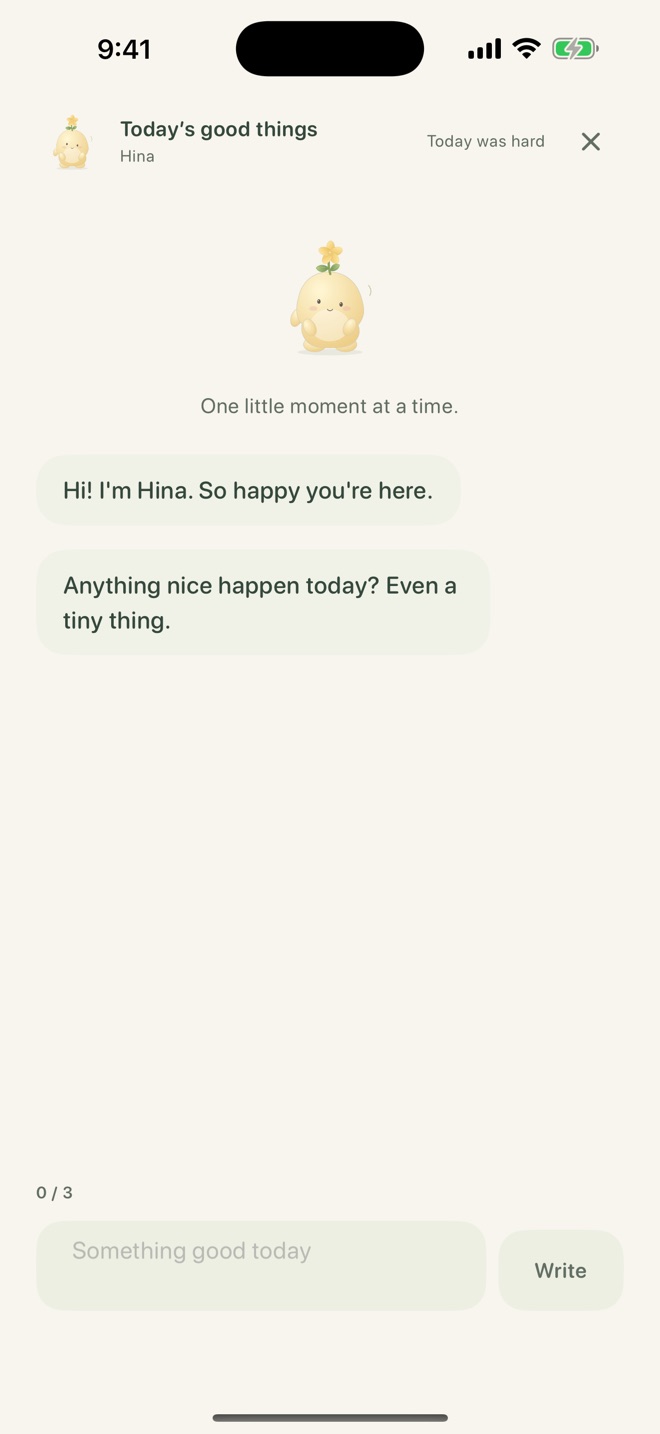
Hina asks first.
The first thing on screen is a question, not an empty box. Your companion asks for one good thing, then the next.
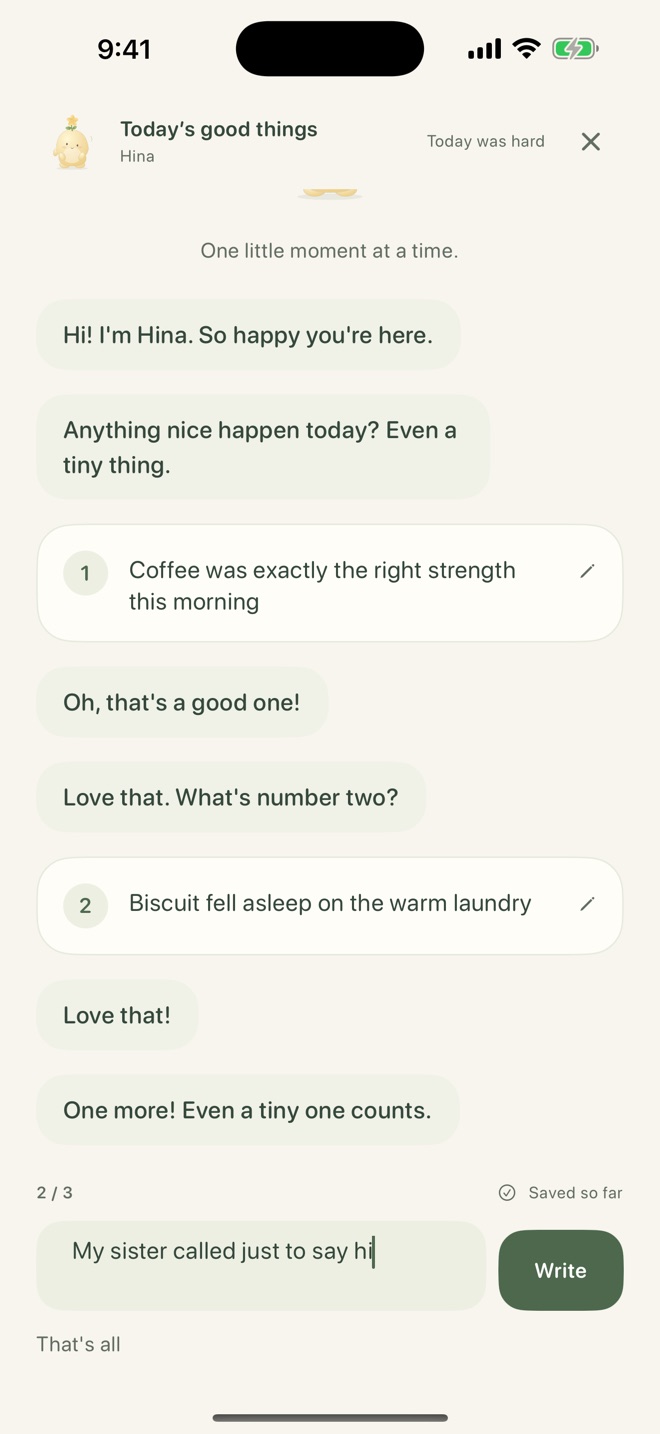
Answer in a sentence.
Coffee that was exactly right. The cat on the warm laundry. Your sister calling for no reason. Record three small moments to complete your reflection.
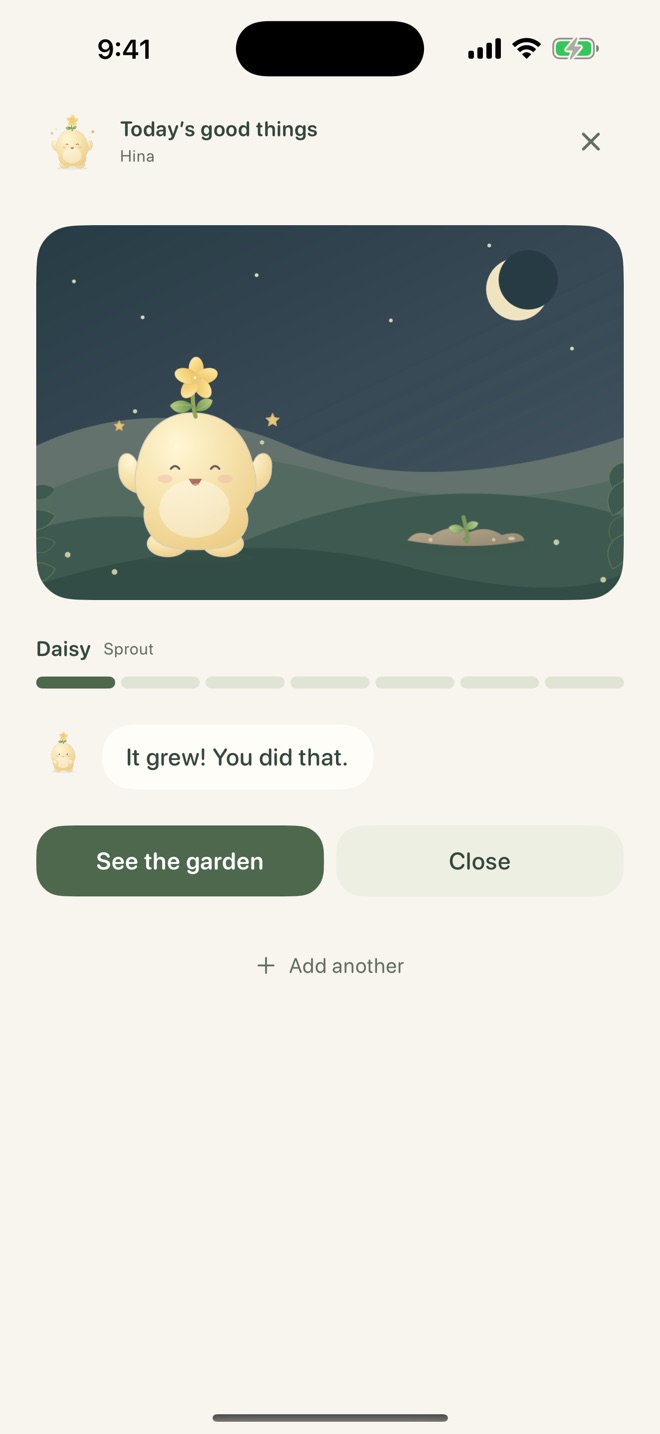
Watch it grow.
Every day you write, your plant grows closer to blooming, right in front of you. Hina says so. Then you're done until tomorrow.
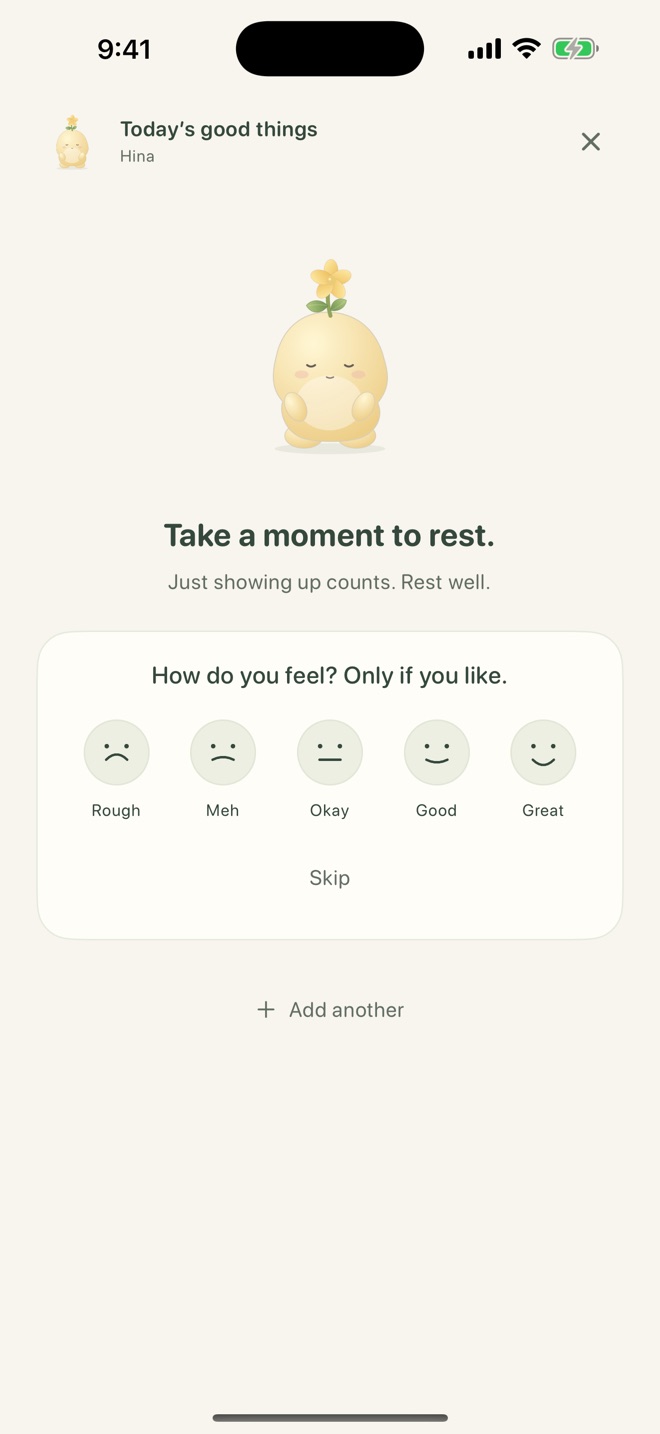
Afterward there's one optional tap: how do you feel? Five faces and a Skip button. Your companion answers either way.
For the days you'd rather not write
There's a button for hard days.
Tap “Today was hard” and Hina closes her eyes and sits with you. No entry needed. Nothing is taken away.
- Your plant never wilts, never dies, never resets.
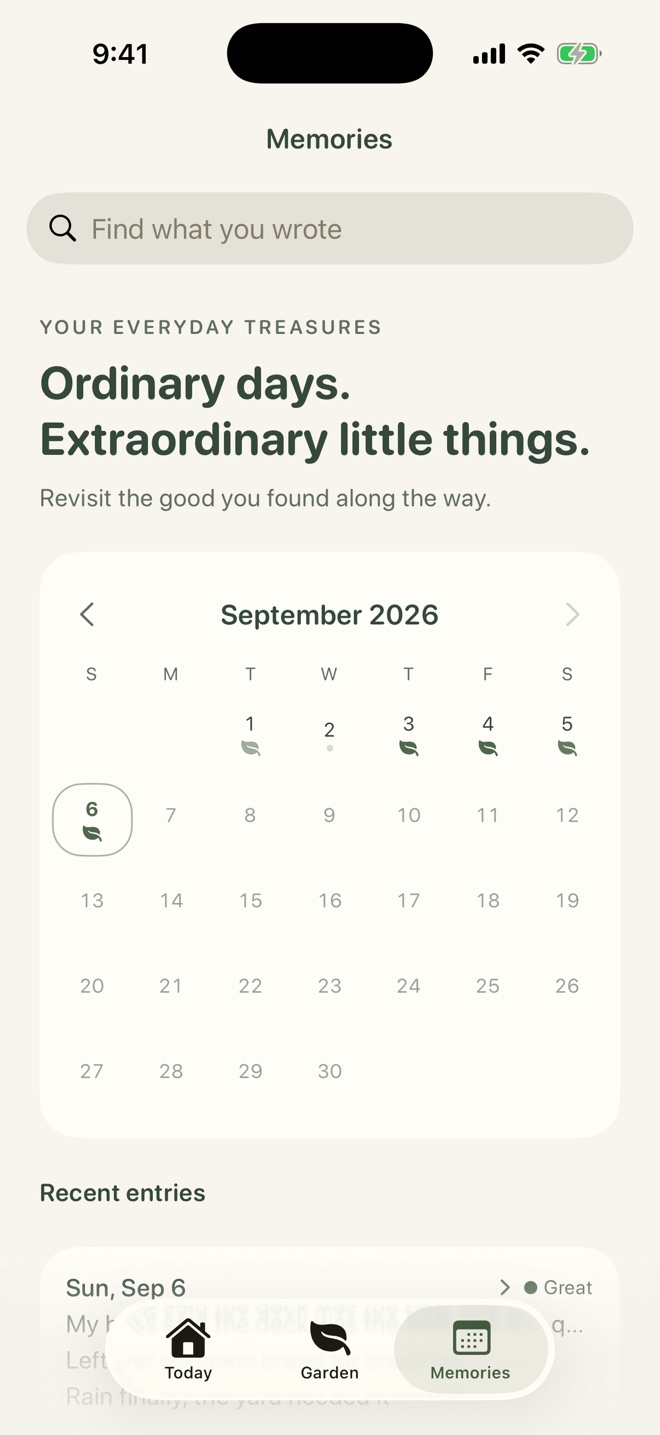
- A day you skipped is a soft gray dot on the calendar. Not red, not an X.
- There is no streak counter anywhere in the app. Four entries, whenever they happen, make a plant bloom.
“Welcome back. Start where you are.”
The whole greeting after a few days away. It doesn't count the days.
The garden
Four entries. No streak needed.
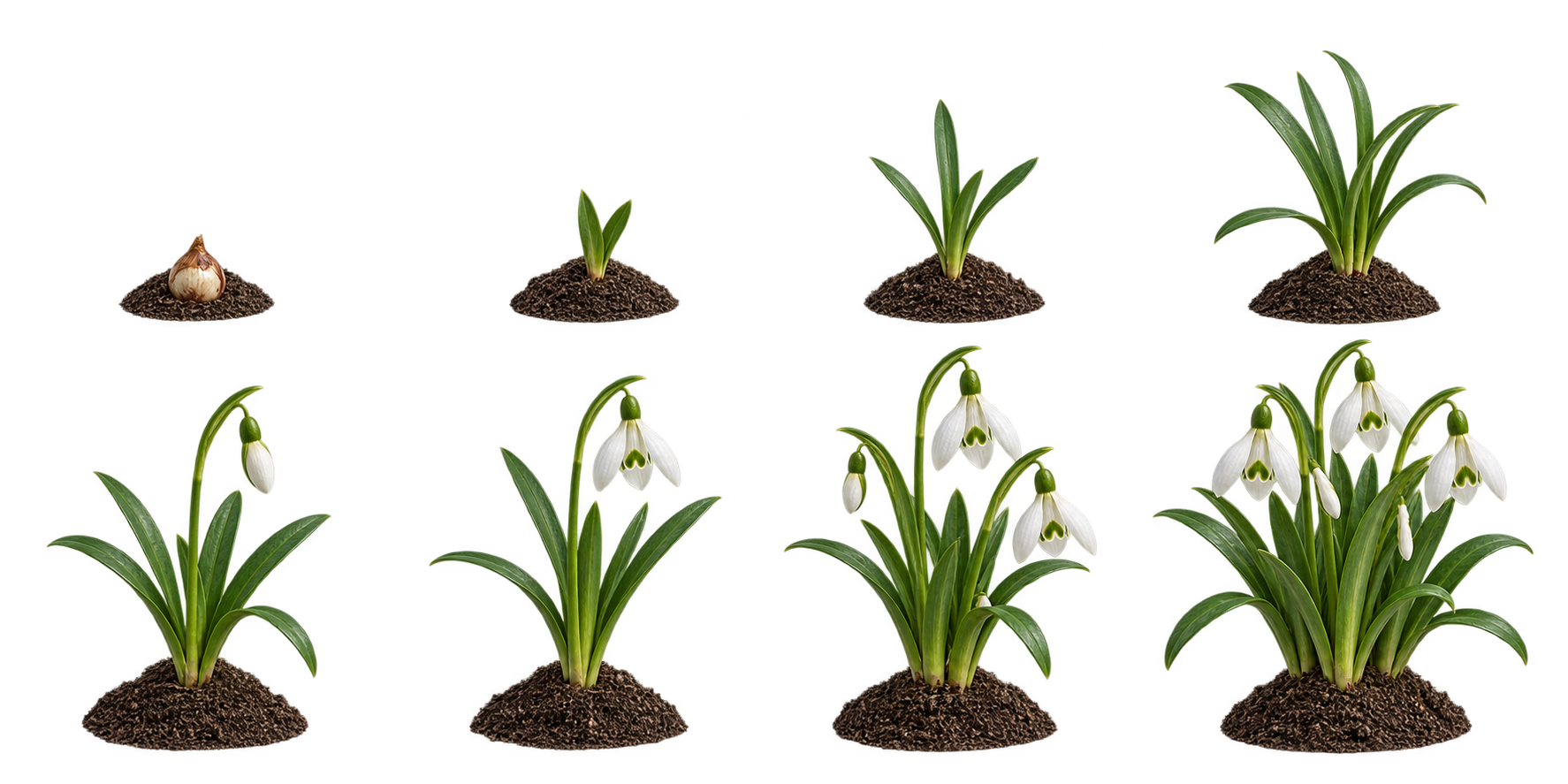
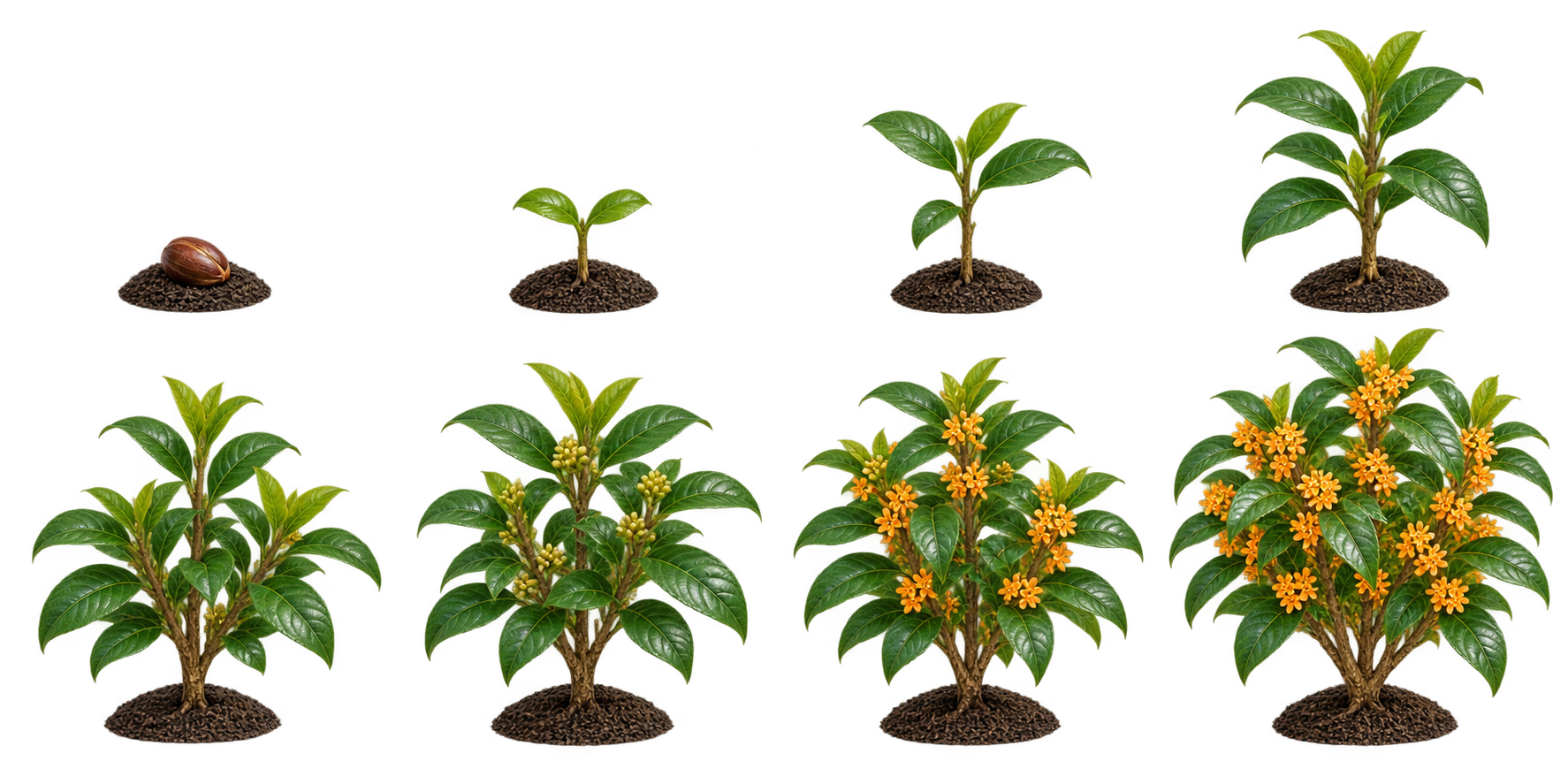
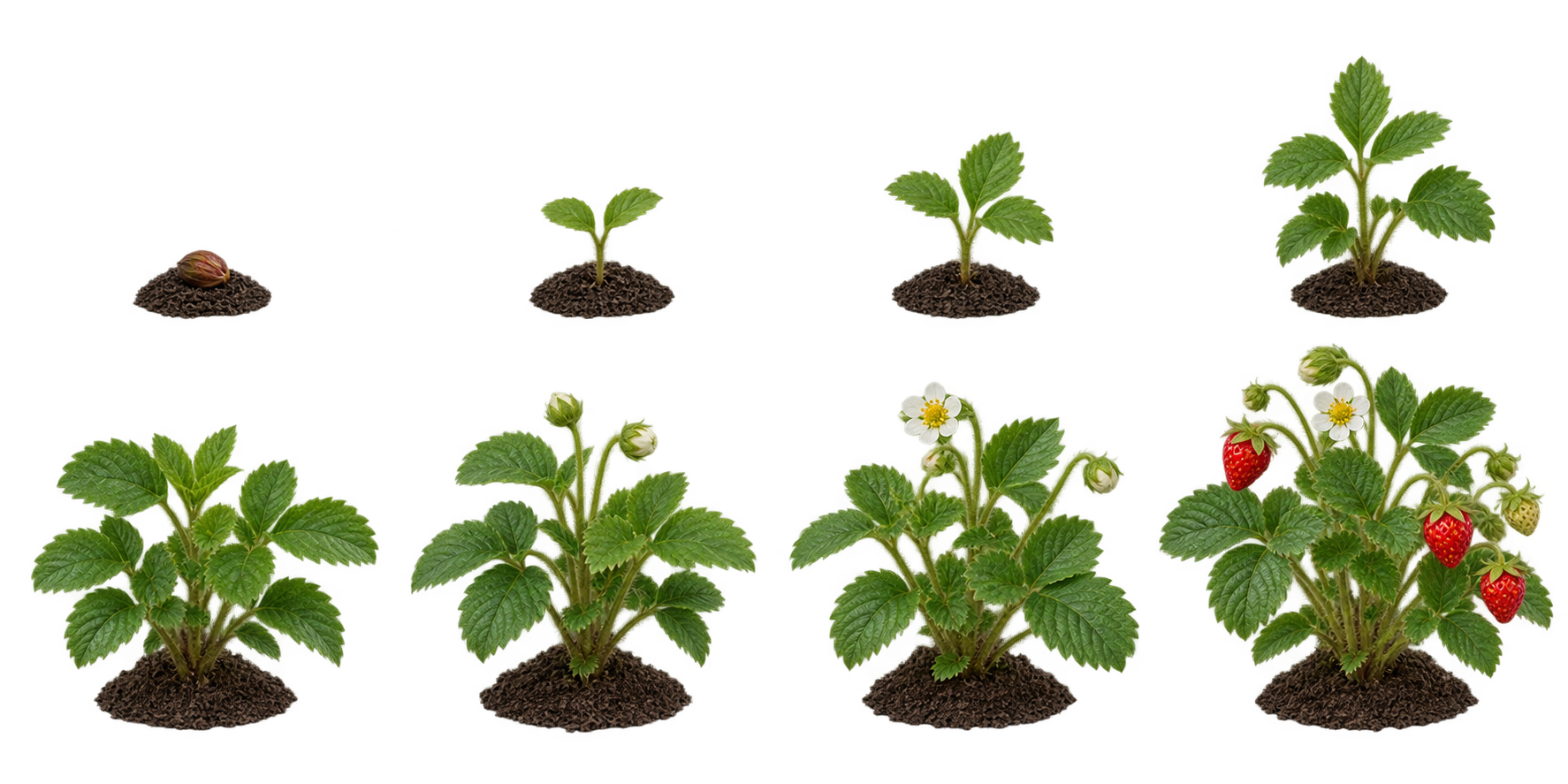
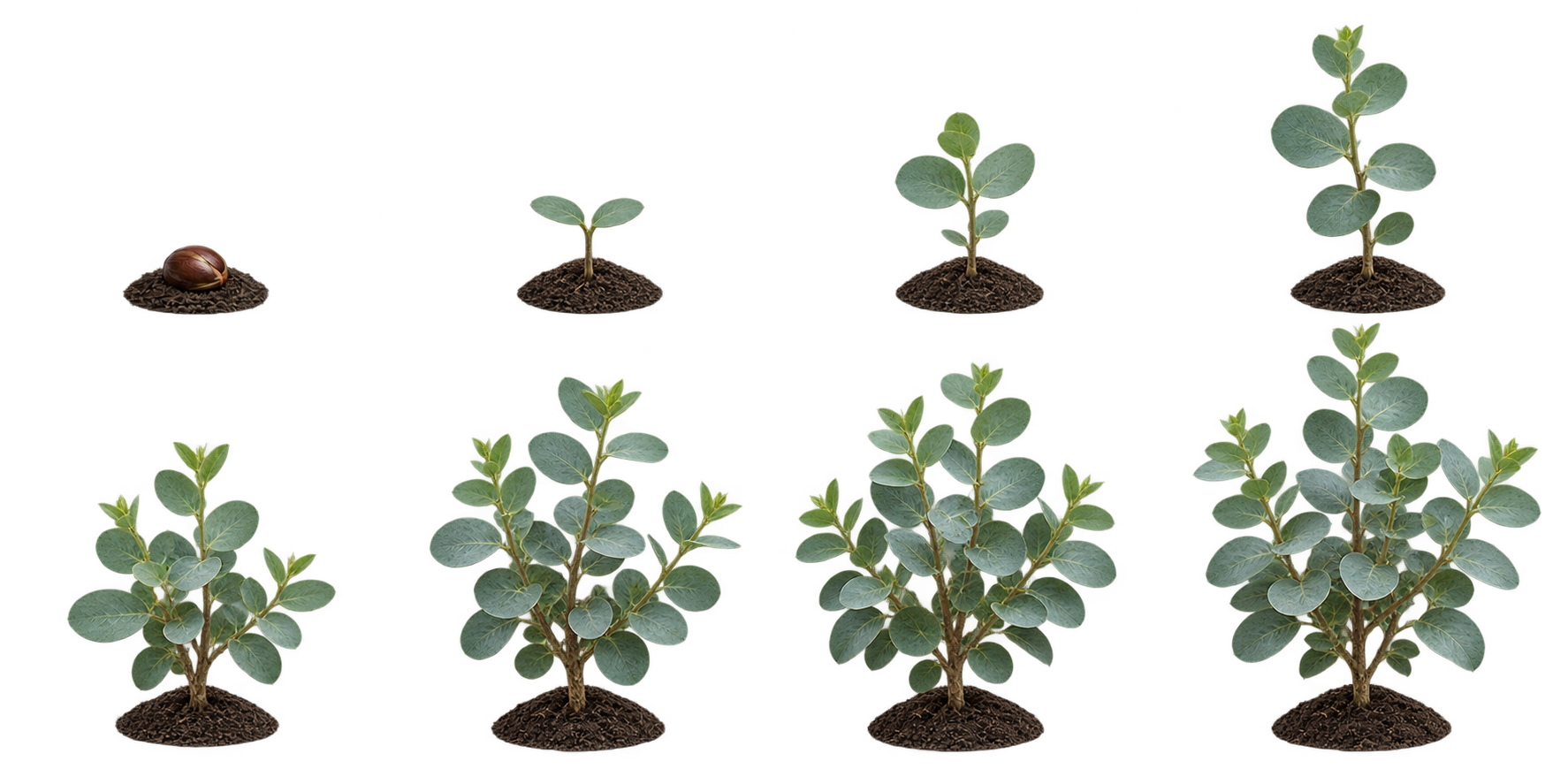
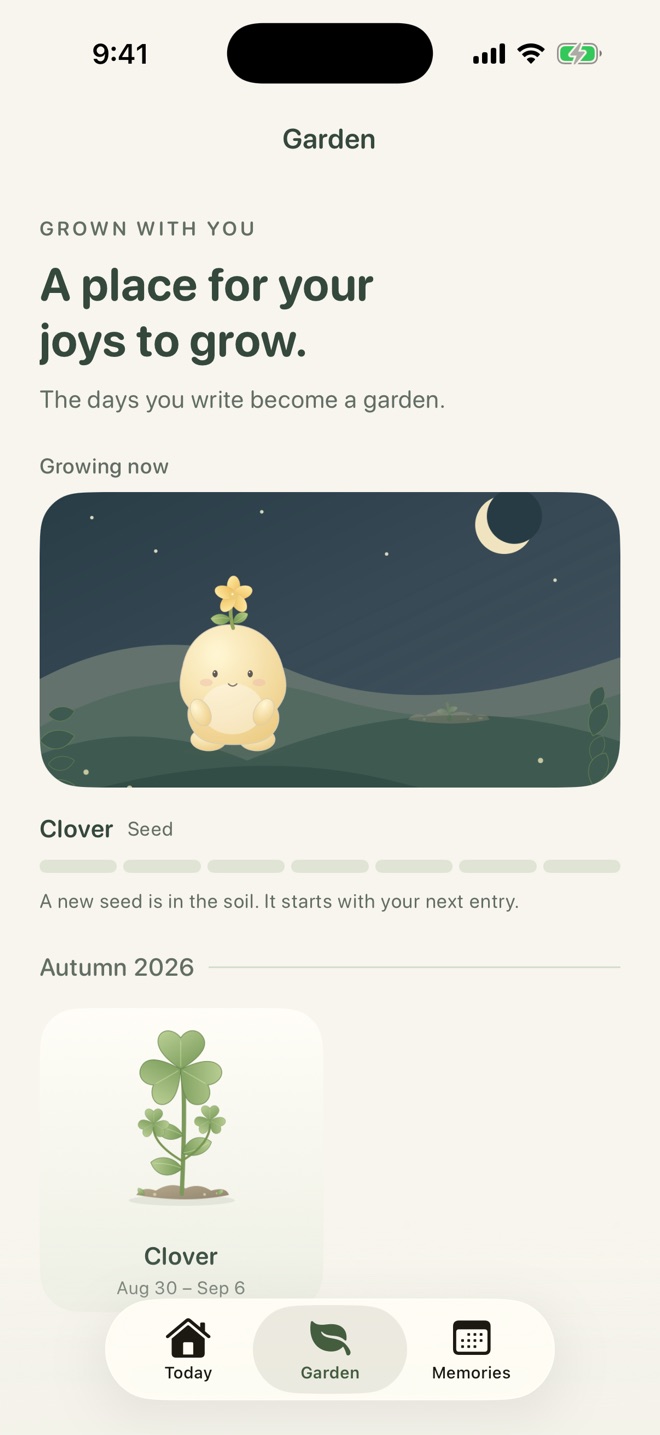
Write on four days, whenever they happen, and your plant blooms. Everything you wrote along the way becomes a harvest card in your garden. By winter, the garden looks like your year.


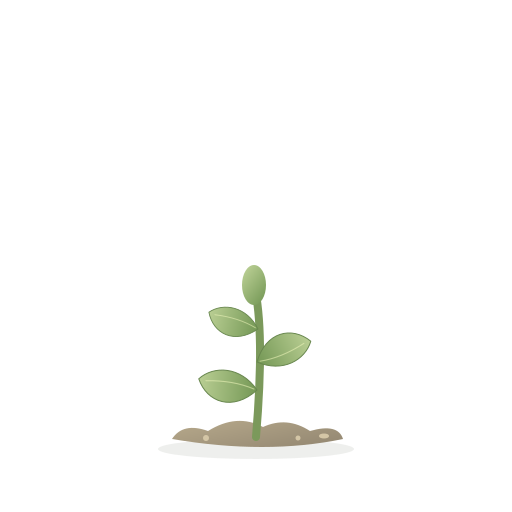
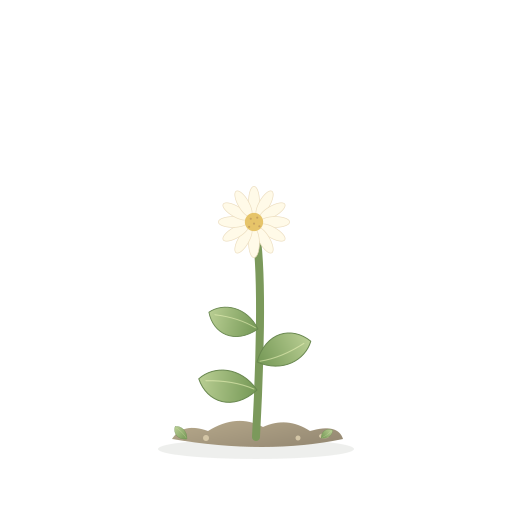
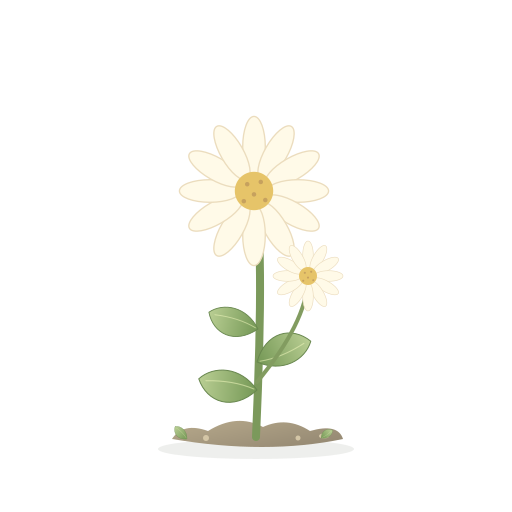
Twenty basic plants to grow, plus three optional rare plants. Here are a few favorites.
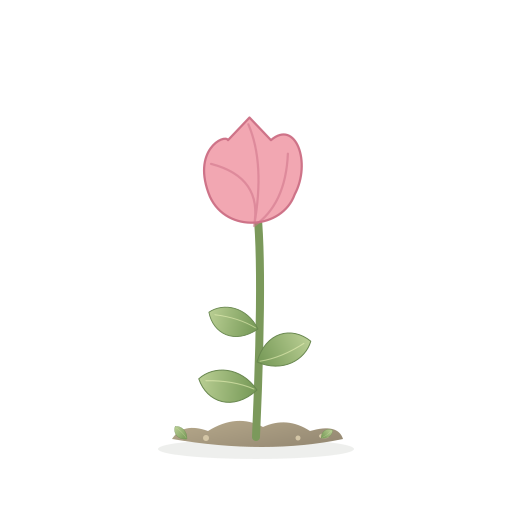
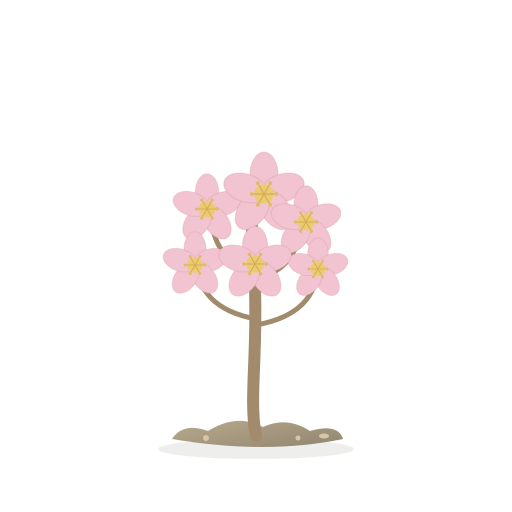



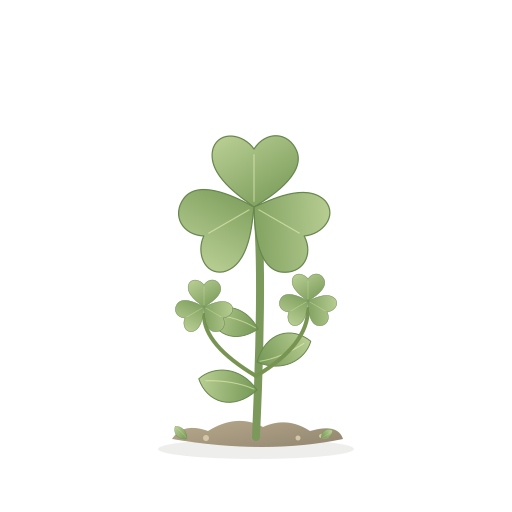

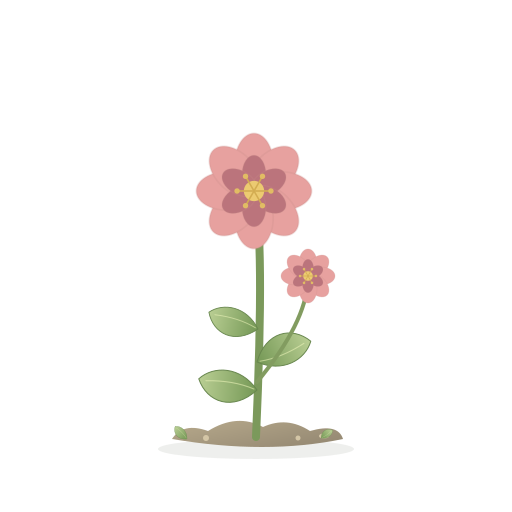
Change an unstarted seed three times for free. Botanical Seeds unlocks unlimited changes and three rare plants.
Eight new plants, from seed onward
Look back surfaces a good thing from weeks ago. The kind you'd already forgotten.
One small act of care
Choose what fits today.
Take a minute or two to notice, check in with your body, think of someone, or rest. This is optional and separate from your journal. Missing a day never takes anything away.
Mark one activity on a day you try it. Each day adds a stone to your garden path; five stones light a lantern. No streak to keep.
Notice
Look for a color or sound nearby.
Body
Feel your shoulders and feet.
Connection
Bring someone important to mind.
Rest
Make room to do nothing.
Companions
Pick who you write with.

Mitsu
Gentle and easygoing
Something small is fine. Let's start with one.

Hina
Bright and warm
Anything nice happen today? Even a tiny thing.

Yoru
Quiet and reassuring
One thing from today. Take your time.

Sui
Notices small scenes
What caught your eye today?

Kohaku
Cheers on small steps
Set your bag down and take a breath.
Every companion goes at your pace. Switch any time in Settings.
Private by design
Your journal is saved on your iPhone.
No account registration is needed. Optional AI conversations and weekly letters send text to online AI only with your consent. Photos and mood scores are not sent to AI.
- No account, no sign-upOpen the app and start writing. That's the whole onboarding.
- Journaling works offlineWriting, photos, plant growth, and small care work offline. Online AI and App Store purchases need an internet connection.
- No ads or behavioral trackingAI text and replies are not stored on Mitsuba’s server. Anonymous authentication identifiers and usage counts help prevent misuse.
- Export or delete any timeSave everything as plain text or JSON, or delete it all in two taps.
Questions
Small print, in plain words.
Is it free?
Yes. Mitsuba is free to download, with no ads. Three rare plants are available as an optional one-time purchase.
What happens if I miss a day?
Nothing. The plant never goes backwards and never dies. The next day you write, it grows one more step.
Do I have to write three things?
Yes. Record three good things to complete your reflection. Your progress is saved if you need to continue later.
Where is what I write stored?
Journal entries and photos are saved on your iPhone. With your consent, AI features send conversation or relevant journal text outside your device to create replies and letters. Photos and mood scores are not sent. You can turn AI off in Settings.
Can I move my entries to a new phone?
Not automatically in this version. Use Settings, then “Export as JSON” to keep a copy.
Which languages does it support?
English, 日本語, 한국어 and 繁體中文. It follows your iPhone's language, and you can change it in Settings.
Which iPhones does it run on?
Any iPhone running iOS 17 or later.
Does small care grow my plant?
Small care has its own garden path. It is optional and does not change your journal progress or plant growth.
Something else? Write to sh.hirokawa@icloud.com or see the support page.

Begin with one small thing.
Write three good things, or make a little room for care today.
Download on the App Store iPhone · iOS 17 or later · Free